Thanks integration with BambooHR helps in syncing the BambooHR data with the platform without any manual intervention. This helps to activate new user accounts, sync information updates, and deactivate exit employee accounts.
How To Setup?
Prerequisites
Admin access on the Thanks platform.
Your company’s BambooHR domain.
An Admin account or a non-employee account on your company’s BambooHR instance with at least a view only access. We recommend using a non-Employee account to avoid issues with the integration in case the connected Admin user account is terminated/removed from your BambooHR instance. (Kindly visit the BambooHR documentation for the process to create a non-Employee account).
Implementation
Step 1: Visit BambooHR Integration
Go to BambooHR integration on the Thanks platform or use the link: https://my.thanks.com/app/admin/integrations/bamboo-hr
Click on the Setup button.
3: Enter your BambooHR Domain and Click connect. You will be redirected to BambooHR login page.
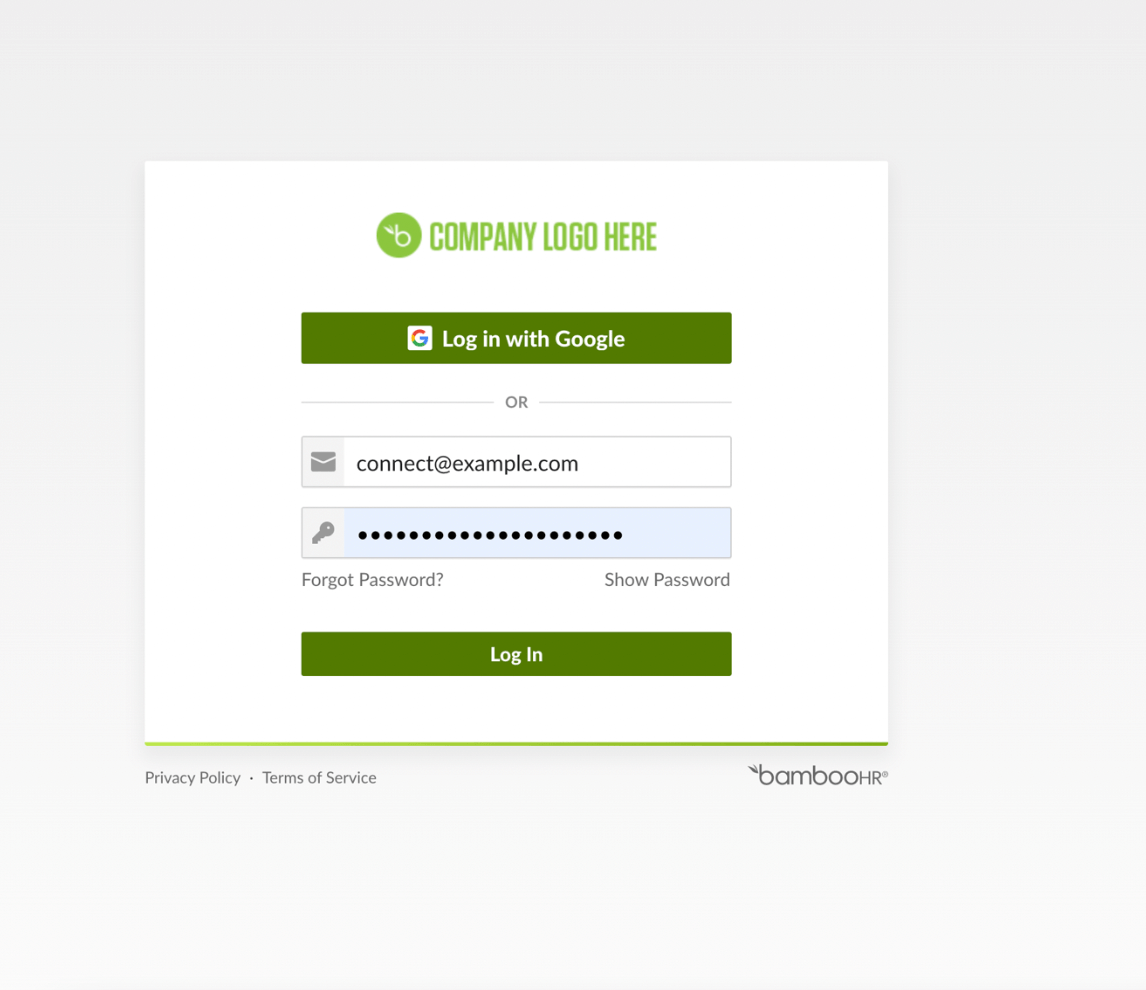
STEP 2: Login to BambooHR
Enter your credentials using a suitable method and click login.
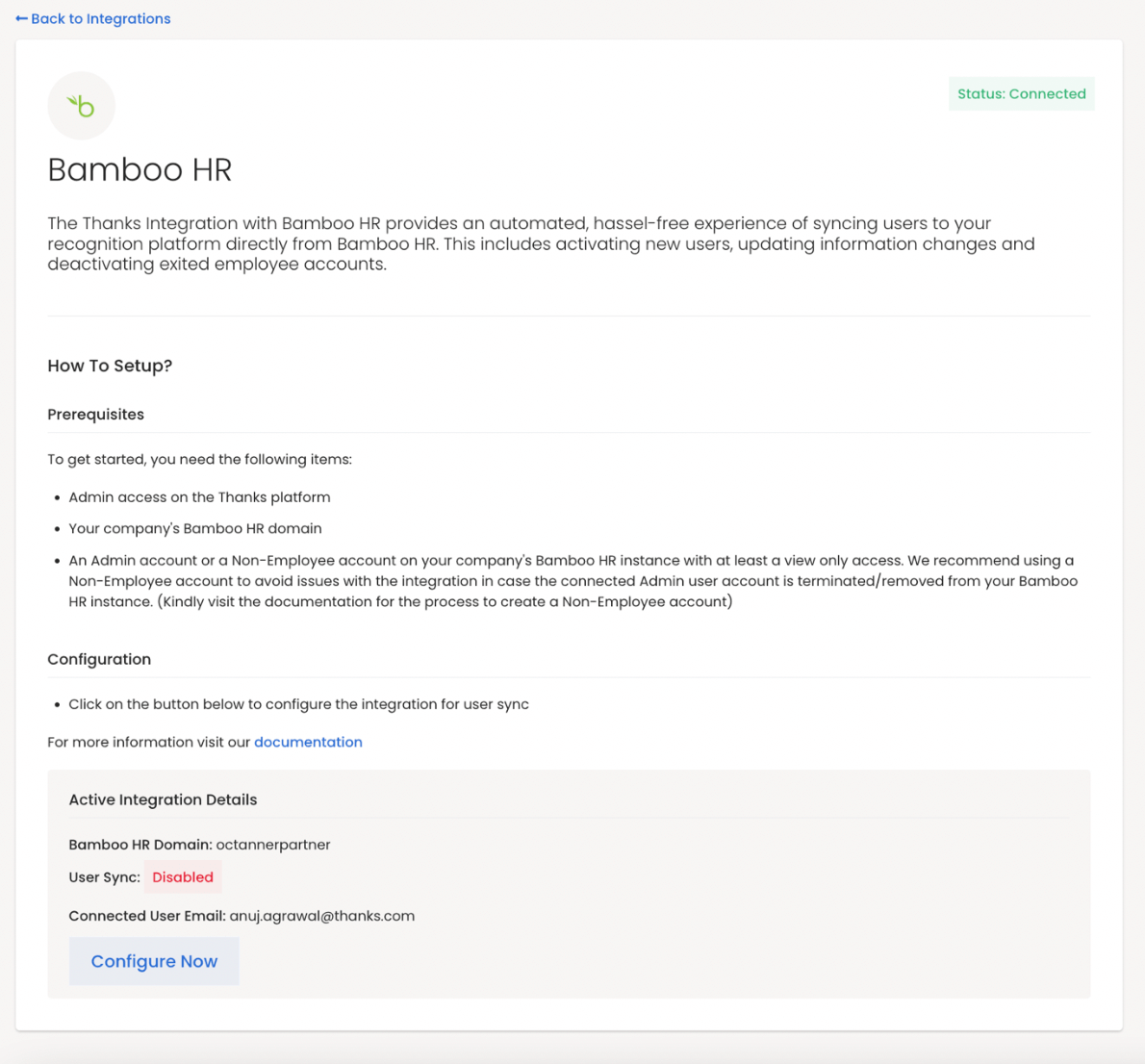
2. After successful authentication, you will be redirected to the Thanks platform with Configure Now button enabled.
STEP 3: Configure BambooHR
Click on the Configure Now Button to configure integration.
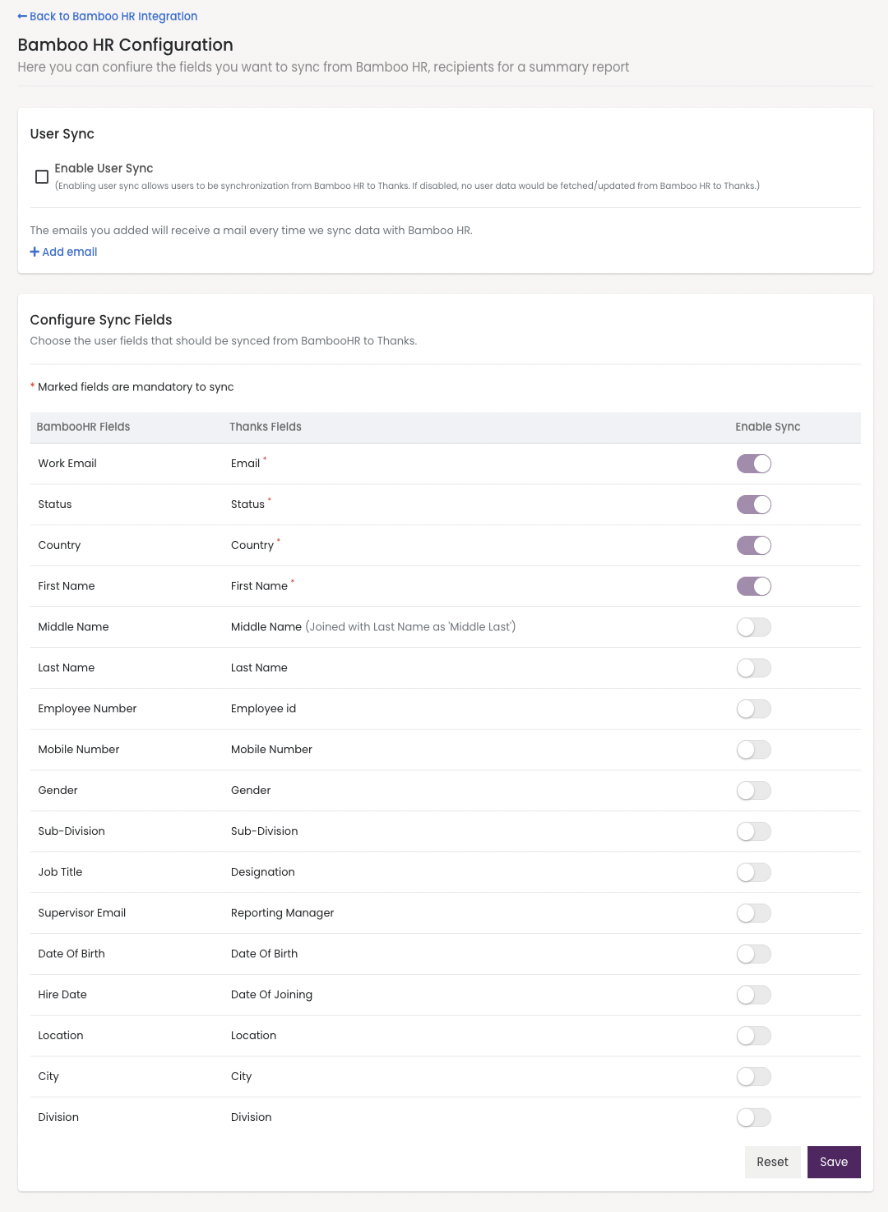
You can enable the user sync option. Only then Thanks can pull the data from BambooHR for sync.
If you want to reflect some latest changes from BambooHR to Thanks, you can click on the Sync Now option which will run a full data sync with BambooHR.
You can add user emails that will receive the data processing summary mail each time we synchronize data from BambooHR.
Choose the field you want to synchronize between BambooHR and Thanks and click save.
Note:
We recommend adding emails so that the data sync summary gets emailed to the added users on regular basis.
After the first full sync, we will synchronize the partial changes on BambooHR on daily basis.