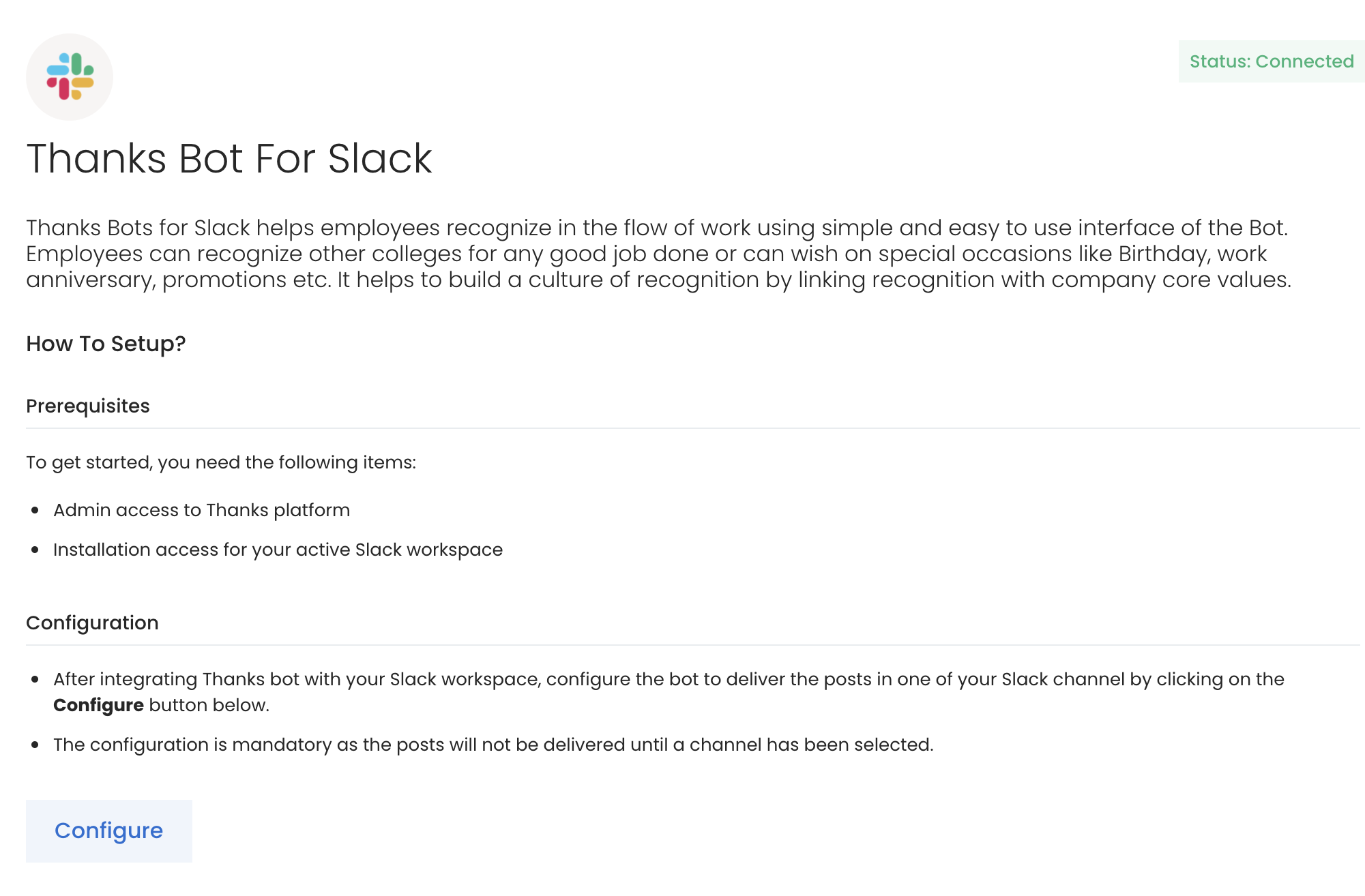
Thanks integration for Slack allows the company to share the recognition posts on their Slack instance and carry out basic recognition activities without logging into the web application. Please note that the Slack posts’ likes and comments will not reflect in the Thanks web application.
The default Thanks features configured to Slack bot are Say Thanks, Wish, Nomination, Wall of Fame, and Redeem.
Slack Configuration
To set up Slack integration, log in to the Slack instance and click on the Add Apps button on the left menu bar.
Search for Thanks in the app search bar and click on Add.
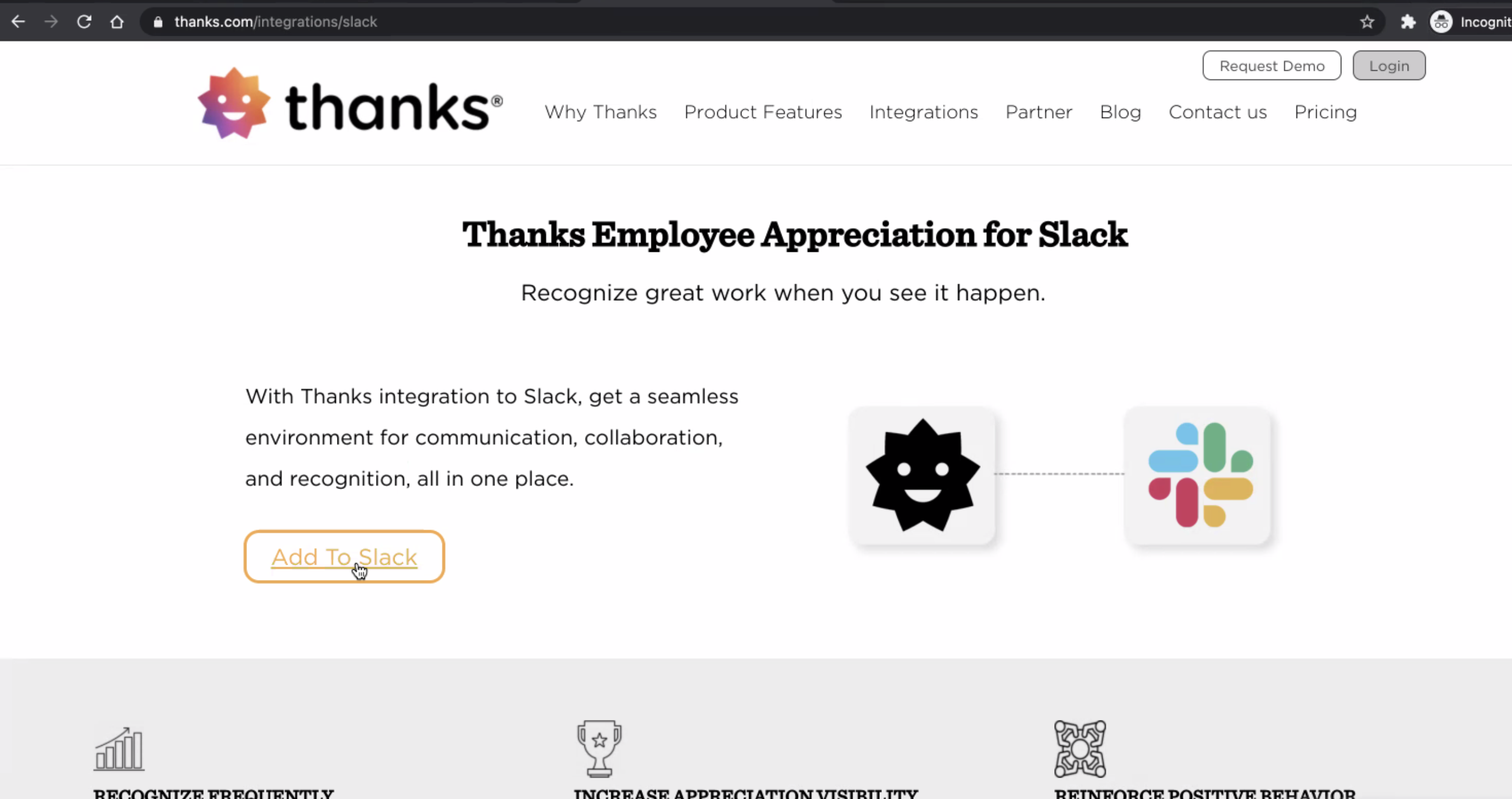
Click on the Add to Slack button in the App directory. This will redirect you to the Slack landing page on the Thanks website.
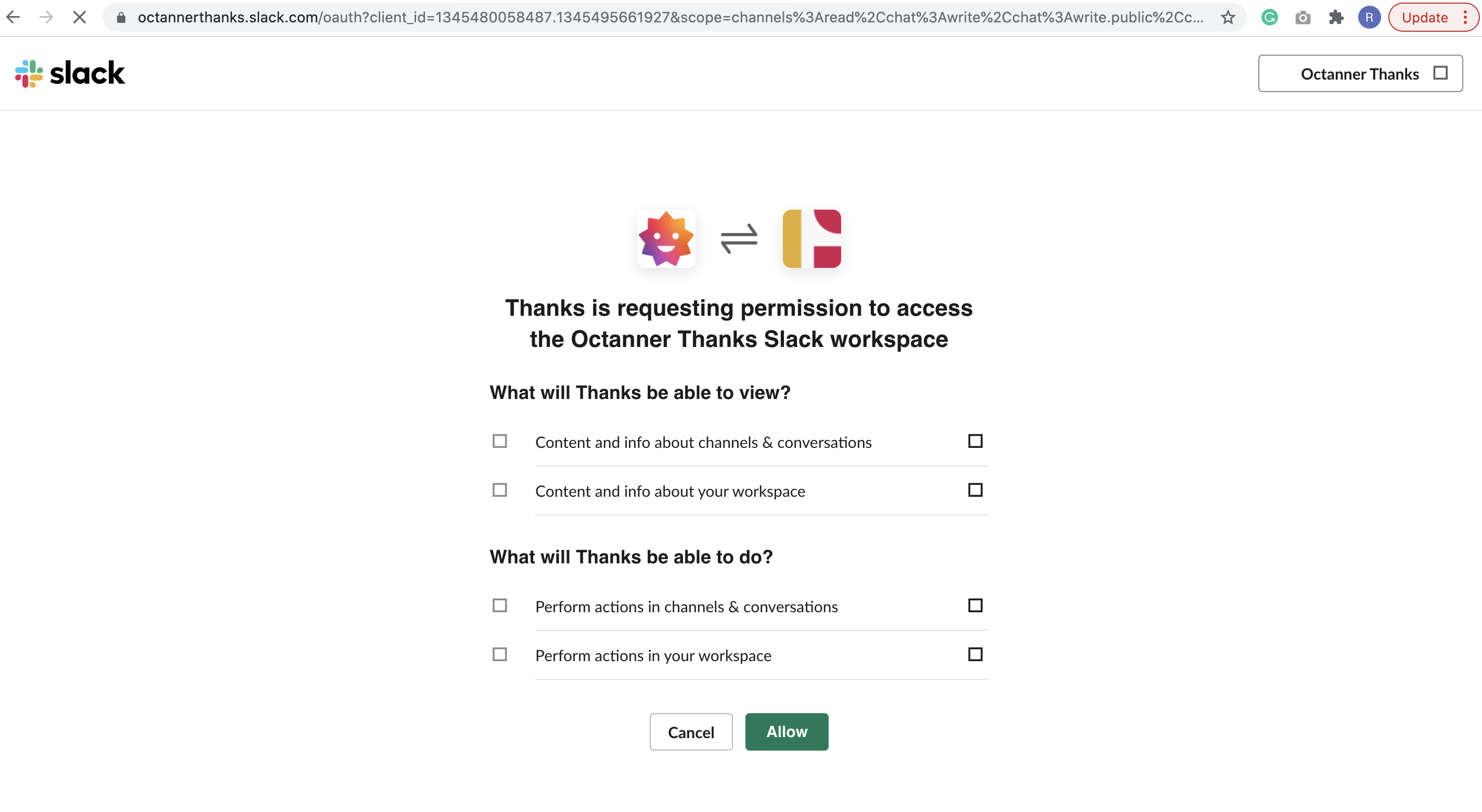
Hit the Add to Slack button.
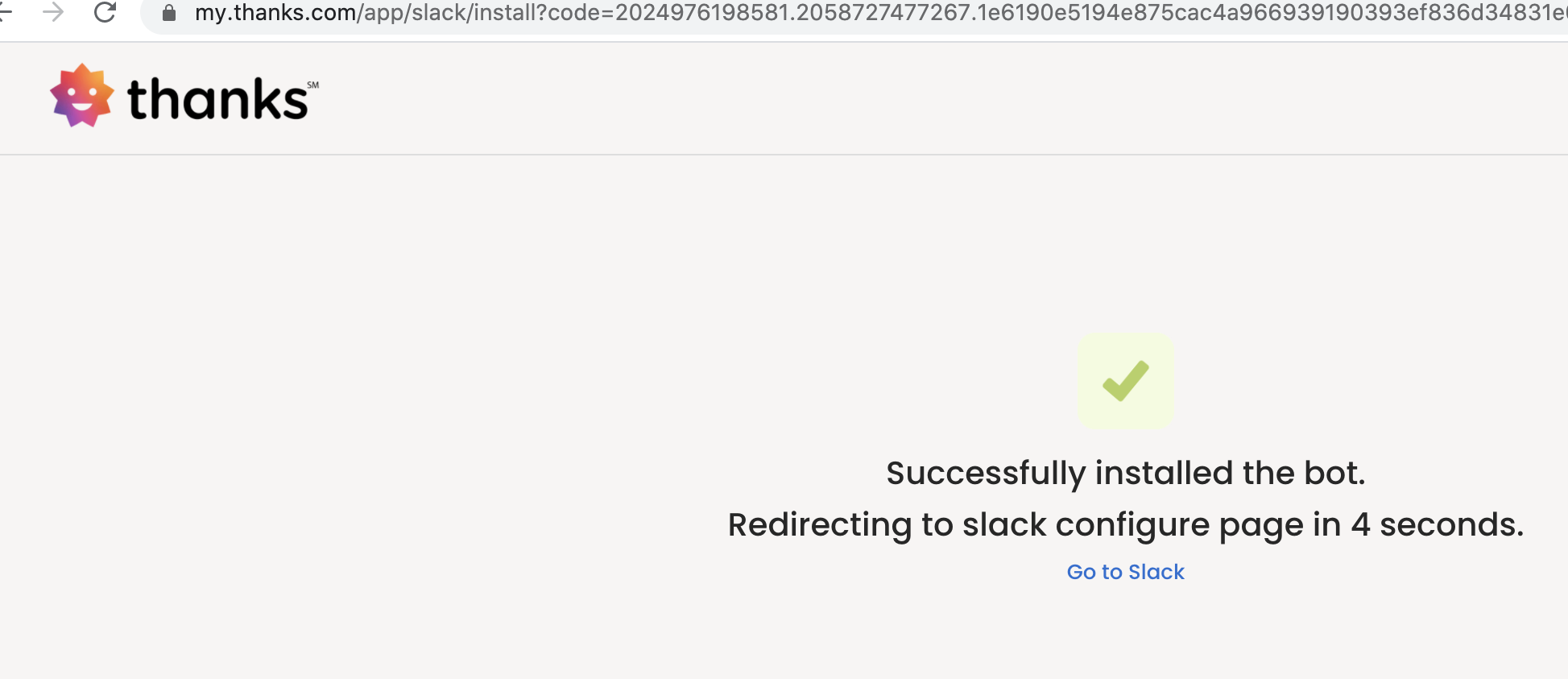
Note: Ensure that you are already logged in to the Thanks application and have admin rights. If not, then you will be redirected to the Thanks login page first.
Other way to cut down the configuration process is to directly share the link of this page with the client.